

A practical guide to briefing, shooting, editing and using event video, for People, Internal Comms and Marketing leads who have to get an event filmed and need the footage to do a job afterwards.
The highlights reel lands ten days after the event, goes on the intranet under a line from the CEO, and the people who watch it to the end are mostly the ones who were in the room. Everyone else sees twenty seconds of drone shots and a lanyard close-up and moves on. That is what happens to most event video, and it is a waste, because the reason for filming the day was to reach the people who were not there.
We think the problem starts with the brief. "Film the highlights" asks the crew to make a souvenir. The better brief starts with what the event has to change, who was missing, and what you need them to understand or do. Get that right and the same crew comes back with footage you can use for months. This is how we plan it, in the order we do it.
Decide what the event video is for before you book the crew
Start with the people who will not be in the room. For an all-hands, that is everyone on the stream and everyone who will skip it. For a launch, it might be customers, candidates and the wider market. Write down who they are and what you need them to know, feel or do after watching. That sentence is the job of the video.
Most video for events is briefed after the running order is locked, which is why it ends up as a record of the stage. Three questions, asked early, settle most of it:
- Who needs this who was not there, and what do they need to take from it?
- Where will it be seen, and for how long? A cut for the Monday team meeting has a different job from a film on the careers page that will be watched for a year.
- What should someone do after watching: read the strategy, join the beta, apply?
If the honest answer to the first question is "nobody", a photographer will do. Usually the answer is a long list, and that list is the brief.
Brief the crew on the story, not the stage
The usual brief is a running order and a floor plan. It tells the crew where the stage is and when the CEO is on, and nothing about why the event exists.
Give them the story instead. Explain what the business is trying to change, the three things people must leave understanding, and which moments in the day carry them. Tell them what you are worried about, because a crew who knows the new structure is unpopular will listen differently in the corridor interviews.
Put it in writing on one page, with the audiences, the formats you need at the end, the deadline for the first cut and anything that must not be filmed. The crew should be able to read it and tell you the story back. Agree the practical things at the same time: cameras, a feed from the sound desk, where they can stand, and what happens if a speaker overruns.
Plan the running order so the moments happen in front of a camera
The content you want rarely happens by accident, so we put it in the running order. On launches and conferences we plan the content capture alongside the show, with the crew's needs written in next to the stage cues, the same way a lighting state or a walk-up track is.
In practice: the product reveal happens at a fixed point, with the lights up enough for the reaction to be seen and the camera positioned in advance. The CEO's key line is marked in the script so the operator is on a tight shot. Interviews are booked into the day, with named people, a quiet space and a fifteen-minute slot each, rather than grabbed in a loud foyer. A roaming camera during the break gets the conversations the stage camera never sees.
On an internal conference or all-hands this is the step most often missed. Build it in and the crew stops chasing moments and starts being there for them. We plan our company communication events this way as standard.
Capture three kinds of footage
Most event videography tips are about kit. The more useful ones are about where to point the camera. Across the corporate event video we work on, the edit needs three kinds of material, and if one is missing the film feels thin.
The message
The stage content: the announcement, the strategy, the demo. This needs clean sound above everything, which means a feed from the sound desk or a radio microphone on the speaker, never the camera's own microphone from the back of the room. Cover the key moments from two angles so the editor can cut around a stumble.
The room reacting
The stream cannot give you this. Laughter at the right line, people leaning forward during the demo, the applause after the announcement, the queue to try the product. It tells someone watching later that the day mattered to the people who were there. Brief the crew to spend as much time facing the audience as facing the stage.
People in their own words
Short interviews, ideally the same two or three questions put to a range of people: a leader, someone who built the thing, someone from another office, a new starter. Ask what the day changed for them and what they will do differently on Monday. These clips carry the film, and they are the ones that get reused for recruitment and the next all-hands.
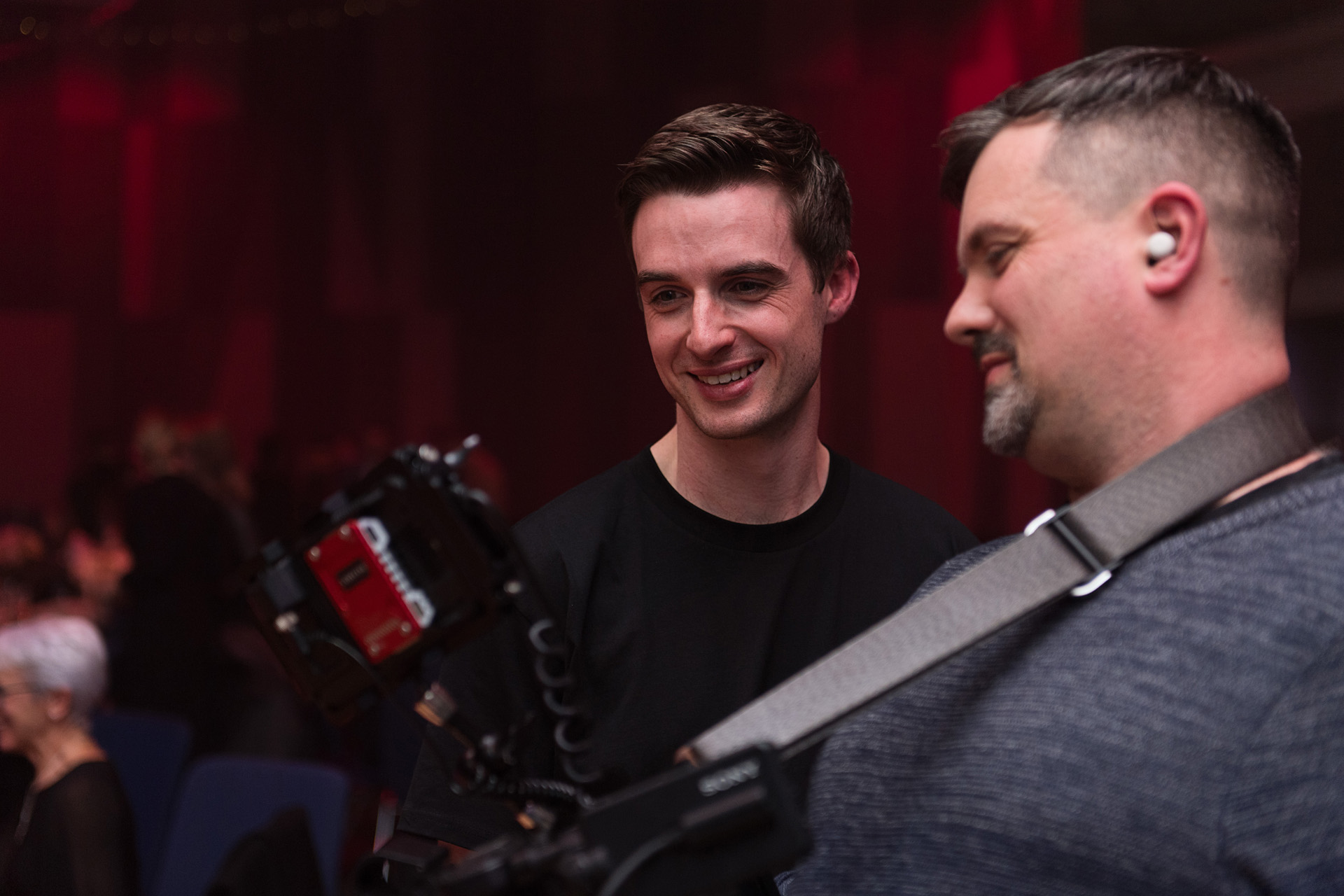
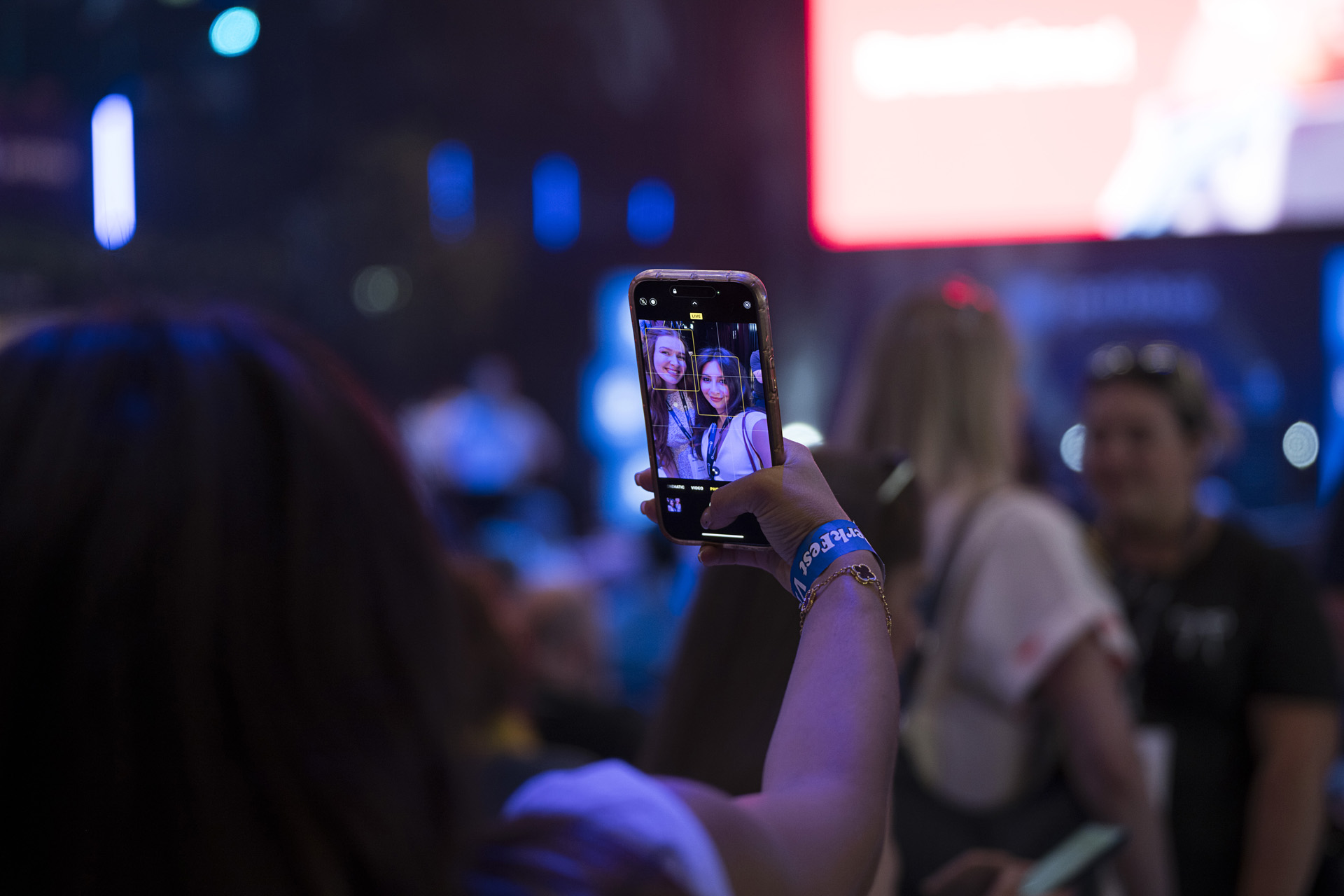
At the Perkbox brand launch, which we ran as a festival for 300 post-merger employees at BoxPark Liverpool, an on-site photo and video crew documented the day with this mix, and the content carried the launch well past the people in the room. The Perkfest case study shows the format.
Edit for the use, not for the day
Event video editing goes wrong when the editor is asked for "a highlights film" and makes one: three minutes, a music bed, fast cuts, every sponsor logo. It plays once at the next town hall and never again.
Edit for the uses you set out at the start. On a typical job we ask for three things.
- A 60-second internal cut. The message in the leader's own words, the room reacting, one or two colleague clips. For the intranet and the people who missed it. It should work with the sound off, so subtitle it.
- A two-minute version for LinkedIn and recruitment. Slower, with more of the people and less of the stage. The film a candidate watches before an interview. Anything that reads as an in-joke comes out.
- Clips for the next all-hands. Fifteen to thirty seconds each: the announcement, the best interview answers, the reaction to the reveal. They remind people what was promised and feed social posts for weeks.
Agree formats, lengths and aspect ratios before the shoot, because they change how the crew frames shots. Vertical clips need headroom, and subtitles need room at the bottom of the frame.
Some older advice still holds. Open on the strongest moment, because viewers decide quickly. Keep each cut shorter than feels comfortable. Let music set the pace but never cover the words. Finish with a clear next step.
Get consent and music rights right before anything goes out
Two things stop a finished film being published: someone in it who did not agree to be filmed, and a music track nobody has the rights to.
For consent, put a notice in the joining instructions and at the entrance saying the event is being filmed and where the footage may be used. Get a short written release from anyone interviewed on camera that covers internal and external use. Footage of identifiable people is personal data under UK data protection law, so decide how long you will keep the raw files and who can access them.
For music, use licensed library tracks with a licence that covers every place you will publish, including social platforms. A film that has to be re-edited after it has gone out on LinkedIn is a bad day for everyone.
Measure whether people watched and what they did
The film is a piece of internal communication, so measure it like one. Most intranet and video platforms will tell you how many people pressed play, how far they got and where they dropped off. If most leave at twenty seconds, the opening was wrong.
Then look at what happened after. Did the strategy page get more visits the week the film went out? Did applications rise after the recruitment cut went on LinkedIn? These are the measures that justify the cost of the crew, and they only exist if you set the job of the film at the start.
Ask the audience too. A question or two in the post-event survey, sent to everyone including those who were not there, tells you whether the message landed. Our list of post-event survey questions includes the ones about that.
FAQ
How long should an event video be?
As long as its job needs and no longer, which for most internal uses is around 60 seconds and for LinkedIn or recruitment around two minutes.
What should I include in a brief for an event videographer?
The job of the film and who it is for, the message in three lines, the moments that must be captured and when, who to interview and what to ask, the formats and lengths you need, the deadline, and anything that must not be filmed.
How do you make a good event video on a small budget?
Spend on sound and on the edit, and accept fewer cameras. One operator with a feed from the sound desk, a clear running order and a list of named interviewees will produce more usable footage than three cameras with no brief.
Who owns the footage after the event?
Whoever the contract says, so agree it before the shoot. Ask for ownership of the edited films and the right to use the raw footage, and check the release forms and music licence cover social and recruitment use.
If you are planning a conference, launch or all-hands and want to think it through with people who have run them, tell us what the moment has to change. We come back within one working day. Tell us about your event.

.jpeg)
